
Beta Testing
Help us test new versions of Real Solitaire, and get early looks at games we haven’t released yet.
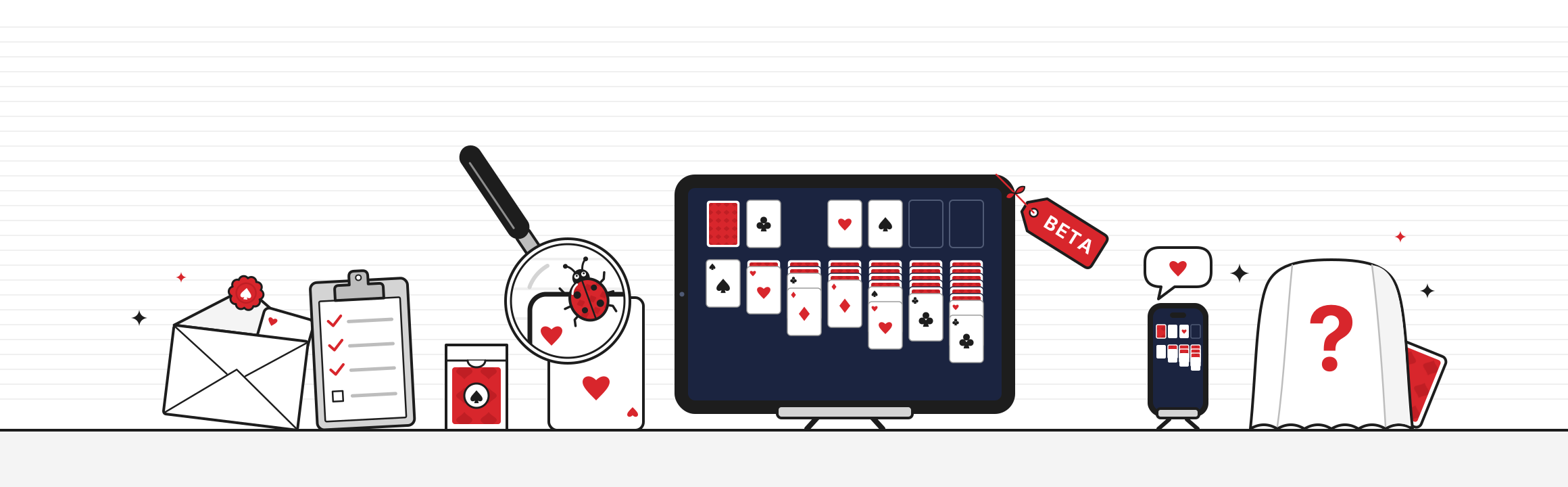
What testers get
First look.
Play new versions of Real Solitaire before anyone else, and get early looks at games we haven’t released yet.
A direct line.
Your reports go straight to the small team that makes the games. We read every one.
A real say.
The problems you find and the ideas you share help decide what ships, and when.
Go above and beyond, and it could lead somewhere.
Our most exceptional testers may be offered a quality assurance role at EdgeRift.
New to TestFlight?
TestFlight is Apple’s free app for trying apps before they’re released. It’s how we send you beta versions of our games, and how you tell us what you think.
Made by Apple.
Download it free from the App Store. It uses the Apple Account already on your iPad or iPhone, so there’s nothing new to sign up for.
Just like the real thing.
The beta sits on your Home Screen in place of the game, with a small orange dot by its name so you can tell it’s a beta.
Always up to date.
TestFlight lets you know when a new beta is ready, and can install it for you automatically.
How to join
Four steps, from applying to playing. Testers must be 18 or older and sign a non‑disclosure agreement.
-
Apply by email.
Tell us your name, the email address for your TestFlight invitation, your iPad or iPhone model, how often you play, and one thing you’d improve.
-
Sign the NDA.
If you’re chosen, Docusign emails you our beta non‑disclosure agreement on our behalf. Add your full name, address and contact details, and sign it online.
-
Watch for an invitation.
Once we have your signed NDA, an email from TestFlight invites you to test.
-
Start testing.
Download TestFlight from the App Store on your iPad or iPhone. Open the invitation on that device, tap View in TestFlight, then Accept and Install.
Sending feedback
Found a bug, or have an idea? The more you tell us, the better the game gets.
Take a screenshot.
Press the buttons for a screenshot while playing the beta, tap the preview, then tap Done and Share Beta Feedback.
Use TestFlight.
Open TestFlight, choose the game, and tap Send Beta Feedback to write to us.
If it crashes.
TestFlight may ask whether to share the crash. Tap Share, and add what you were doing.
Good to know
- What you need.
- An iPad with iPadOS 16 or later, or an iPhone with iOS 16 or later. You must be 18 or older, since every tester signs an NDA.
- Betas are unfinished.
- They can have bugs. Installing a beta, or going back to the App Store version, can sometimes lose games in progress, statistics or scores.
- It replaces the App Store version.
- The beta installs over the game on your device. To go back, stop testing and download the game from the App Store again.
- Builds expire.
- Each beta build works for up to 90 days. TestFlight lets you know when a new one is ready.
- It’s confidential.
- Everything in a beta is covered by the NDA you sign. Please don’t share screenshots, videos or details of anything you see until it’s released.
- No strings attached.
- We’ll never ask you for a review or a rating in return.
- Leave any time.
- Open TestFlight, choose the game, and tap Stop Testing.
- Your information.
- We use your details only to run the beta, and keep your signed NDA on file. TestFlight also shares crash reports and details about your device with us. Our privacy policy has the details.
Ready to play it first?
Email us and your email app opens with the questions ready to fill in. We keep the group small, so we can’t take everyone.